Parallel Multi-Agent Execution: How Running Agents Side by Side Shortens Delivery
quick-answer.md $ define parallel_multi_agent_execution Parallel multi-agent execution means running several specialized AI agents at the same time on independent parts of a task, instead of one after another. A lead agent splits the work, each agent works in its own isolated space, and a merge step combines and checks the results before release. fan-out /…
Parallel multi-agent execution means running several specialized AI agents at the same time on independent parts of a task, instead of one after another. A lead agent splits the work, each agent works in its own isolated space, and a merge step combines and checks the results before release.
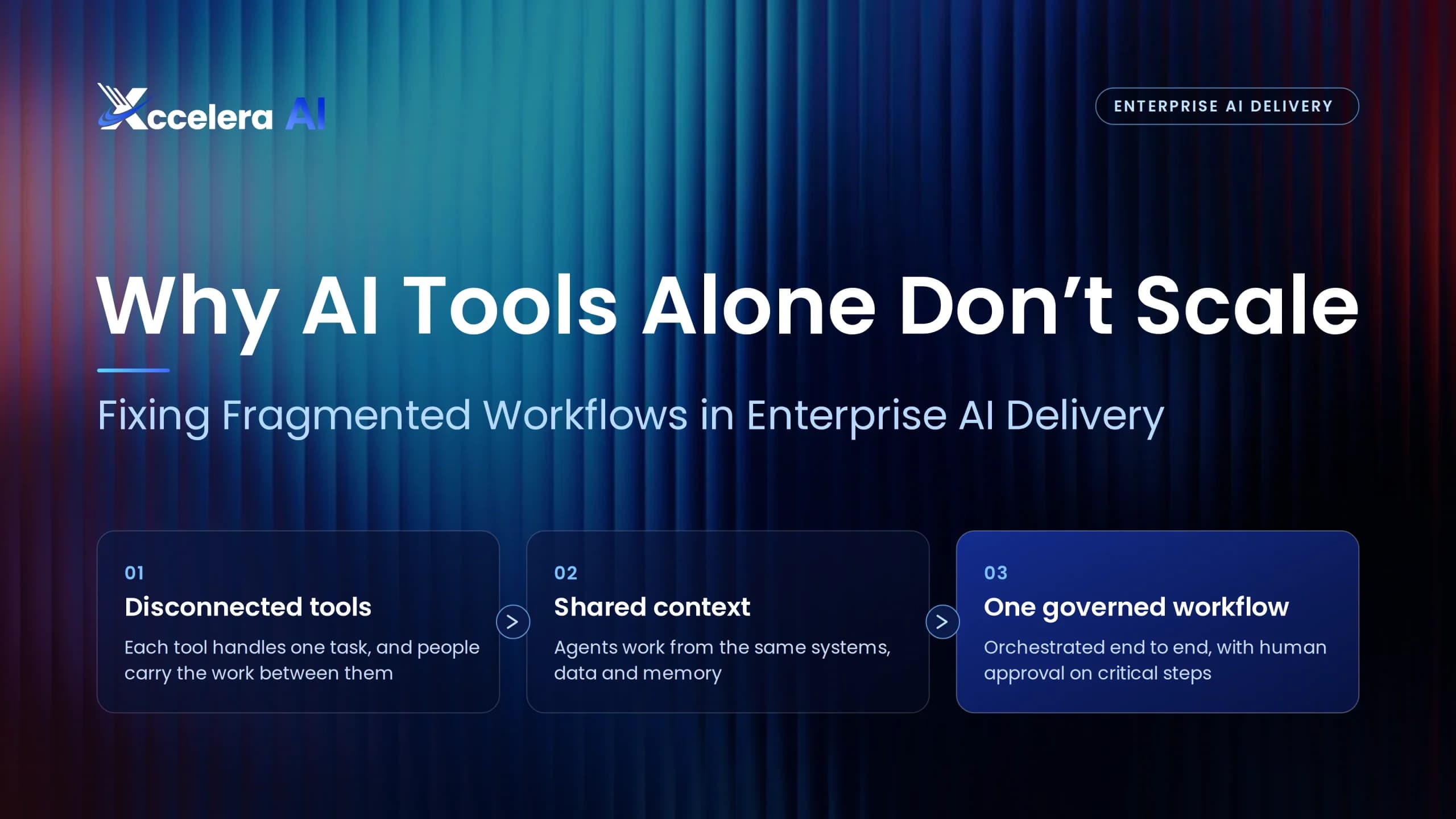
Most software delivery still moves like a relay. Requirements finish, then design starts, then code, then tests. Each handoff adds waiting time, so agents that sit idle until the previous one finishes waste most of their speed. We unpack this problem in why AI tools alone don’t scale in enterprise delivery.
Running agents side by side fixes that, but only for work that can truly run independently. This guide shows the patterns, the real limits and the controls that let engineering teams shorten delivery without creating chaos. For the business case behind multi-agent systems, see our breakdown of the benefits of multi-agent orchestration.
What Is Parallel Agent Execution?
Parallel agent execution is the practice of starting several agents at once and collecting their results when they finish. However, the agents are rarely identical. In practice, each one has a narrow job, its own context window and clear boundaries.
Anthropic’s published account of how it built its multi-agent research system is the clearest real-world example. A lead agent plans the work and starts three to five subagents in parallel, and each subagent also calls several tools at the same time.
better results on Anthropic’s internal research eval with a lead agent plus parallel subagents, compared with a single agent
less research time on complex queries after Anthropic added parallel subagents and parallel tool calls
more tokens used by multi-agent systems than ordinary chat, so the task has to be worth it
Source: Anthropic Engineering, How we built our multi-agent research system.
Sequential vs Parallel: Where the Time Goes
Consider a feature with seven pieces of work. In a sequential flow, every stage waits for the one before it. In a parallel flow, backend, frontend, tests and docs start together once the team agrees an API contract.
Illustrative example, measured in relative time units.
The parallel version finishes in about half the time, yet it does not get seven times faster. The reason is the critical path. Requirements, the API contract and final integration still have to happen in order, so they set the floor. As a result, the useful question is how short the critical path can get, not how many agents you can start.
Four Patterns for Parallel Multi-Agent Execution
Most parallel setups combine four basic shapes, and each one suits a different kind of work.
Fan-out, fan-in
A lead agent splits a goal into independent tasks, workers then run them at once, and finally a merge step combines the results.
Best for: independent features or modules
Pipeline
Stages run at the same time on different items, so build, test and review overlap instead of queuing.
Best for: steady streams of changes
Parallel map
Several agents read different parts of a large codebase at once, then report short summaries.
Best for: analysis, impact checks, migrations
Parallel read, single write
Many agents gather context, but one agent owns the change to a given area of code.
Best for: changes to shared or risky code
These patterns build on the orchestration ideas in our guide to coordinating multi-agent workflows without losing control.
Parallelize Reads Freely, Keep Writes Contained
The single most useful rule is to separate reading from writing. Reading is safe to parallelize, because agents that only search, analyze or summarize cannot break each other’s work. Writing is different, since two agents editing the same code can create conflicts that nobody notices until integration.
RSafe to run in parallel
- Codebase search and dependency mapping
- Impact analysis for a proposed change
- Test generation for separate modules
- Documentation and release notes
WKeep contained or single-threaded
- Edits to shared files or core libraries
- Database schema and data migrations
- Authentication, payments and security code
- Final merge and release
Anthropic makes the same point about its own system. It notes that most coding tasks involve fewer truly parallel parts than research, and that work with many dependencies between agents is a poor fit today. LangChain reached a similar conclusion in its analysis of when to build multi-agent systems, noting that read actions parallelize far more easily than write actions.
The Limit Nobody Mentions: Amdahl’s Law
Amdahl’s law is a classic computing rule, and it applies directly to agents. It says the total speedup depends on the share of work that can run in parallel. Therefore, if a tenth of the work must stay sequential, even unlimited agents cannot make the job more than ten times faster.
In the earlier example, about 70% of the work could run in parallel, which is why the gain stopped near two times. So the best investment is usually upstream: clearer requirements and a firm contract shorten the sequential path, and then extra agents start to pay off.
When Should Work Run in Parallel?
Before you fan work out, run each task through five quick checks. Open each one for the reasoning.
01Can the tasks start without each other’s output?
Yes: they are candidates for parallel work. No: they belong on the critical path, so keep them in sequence and make them as short as possible.
02Do they write to different files or services?
Yes: run them side by side in separate branches. No: let several agents read and plan, but give one agent ownership of the write.
03Is there an agreed contract between them?
Yes: backend and frontend can build at once against the same API schema. No: agree the contract first, because otherwise parallel work drifts apart.
04Is the task worth the extra tokens?
Yes: large, valuable or time-critical work justifies the cost. No: a single well-equipped agent is often cheaper and nearly as fast.
05Can you check each result on its own?
Yes: each agent’s tests and checks can run independently. No: add a merge step with a full test run before anything moves forward.
Keeping Parallel Agents From Colliding
Parallel speed means little if agents overwrite each other. Teams that run agents side by side reliably stack five controls.
Each agent works in its own isolated copy of the code, so no one edits another agent’s files.
The team agrees shared interfaces, such as API schemas and data models, before work fans out.
Each agent owns specific modules, while shared files have one named owner.
A merge agent combines branches, then runs the complete test suite on the result.
Finally, a senior engineer approves anything that touches shared, security or data code.
In code, the fan-out itself is simple. The important parts are the concurrency limit and the error handling:
import asyncio

MAX_PARALLEL = 4  # respect rate limits and budget
limit = asyncio.Semaphore(MAX_PARALLEL)

async def run_agent(task):
    async with limit:
        # each agent works in its own branch
        return await agent.run(task)

async def fan_out(tasks):
    results = await asyncio.gather(
        *(run_agent(t) for t in tasks),
        return_exceptions=True,
    )
    failed = [r for r in results if isinstance(r, Exception)]
    return results, failed
Here, agent.run stands in for your own agent call. Every result then goes through the merge step and the tests described in our guide on how to verify AI-generated code.
The Cost Side: Tokens, Limits and Budgets
Parallel agents finish sooner, but they consume more. Anthropic’s figures show how quickly the bill grows.
Source: Anthropic Engineering.
Three habits keep costs in check. First, cap how many agents run at once, so you stay within rate limits and budget. Second, use a strong model for the lead agent and lighter models for workers, as Anthropic did with a Claude Opus lead and Claude Sonnet subagents. Finally, add agents only while the critical path keeps getting shorter.
Measuring the Speedup
Track a few numbers before and after you introduce parallel agents, because gains are easy to overestimate. Our breakdown of agentic SDLC ROI shows how to tie them to business value.
Wall-clock time from approved story to release
The sequential work that sets the floor
Tokens and compute per merged change
How often parallel branches collide
Changes reverted or rewritten after merge
Hours that approved work waits for a person
How Xccelera AI Shortens Delivery
Xccelera designs delivery around the critical path from day one. As a result, parallel agents start sooner, collide less and hand over work that is already checked.
The team settles requirements and API contracts first, so backend, frontend and test tracks can start together.
Specialized agents work side by side, while Xccelera Orchestrator manages dependencies and the critical path.
AI validation and TestMu automated regression run as work merges, not at the end.
Xccelera engineers approve risky merges and releases, so speed never bypasses control.
Ranges Xccelera reports across application maintenance, feature development and enterprise integration work. Results vary with codebase, scope and team setup.
Meanwhile, people stay in charge of the decisions that matter, an approach we explore in leading human-agent collaboration.
Frequently Asked Questions
What is parallel agent execution?
It means running several AI agents at the same time on independent parts of a task, instead of one after another, and then combining and checking their results.
What is the difference between parallel and sequential multi-agent workflows?
In a sequential workflow, each agent waits for the previous one to finish. In a parallel workflow, independent tasks run at once, so total time depends on the critical path rather than the sum of every task.
How many agents should run in parallel?
Start small. Anthropic’s research system typically starts three to five subagents at once. After that, add agents only while the critical path keeps shrinking and costs stay within budget.
Is parallel multi-agent execution good for coding?
Yes, for reading, analysis, tests and work in separate modules. However, edits to shared code need isolated branches, clear ownership and a merge step, because coding has fewer truly parallel parts than research.
How do you stop parallel agents from creating merge conflicts?
Give each agent its own branch or worktree, agree shared contracts first, assign one owner per shared file, and run the full test suite in a merge step before release.
Does running agents in parallel cost more?
Yes. Anthropic found that multi-agent systems use about 15 times more tokens than ordinary chat, so parallel execution makes sense for large or time-critical work.
Getting Faster Delivery From Parallel Agents
Parallel multi-agent execution shortens delivery when the work truly splits. Contracts let teams build at once, isolated branches keep agents apart, and merge gates catch problems before release. Above all, the critical path sets the limit, so shortening it matters more than adding agents.
To see how parallel agents fit the wider lifecycle, read what an agentic PDLC is. Which part of your delivery still waits on a handoff? Tell us on LinkedIn, and subscribe to the Xccelera newsletter for more on agentic delivery.
Map Your Critical Path With Us
Find which parts of your delivery can run in parallel, and which should stay in sequence.